よくある質問
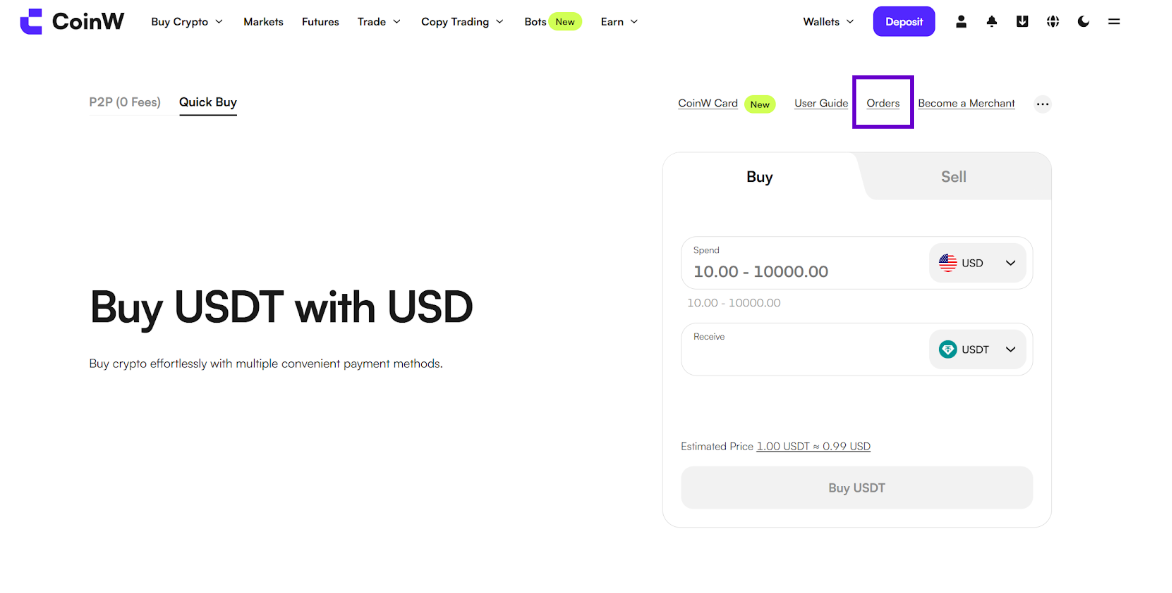
#1 Go to Buy Crypto, Quick Buy
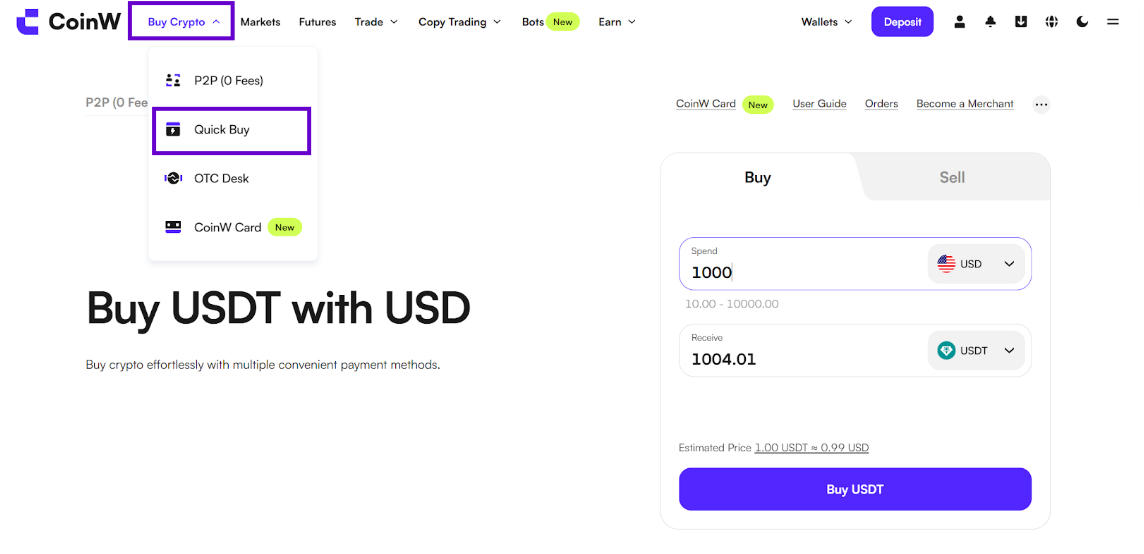
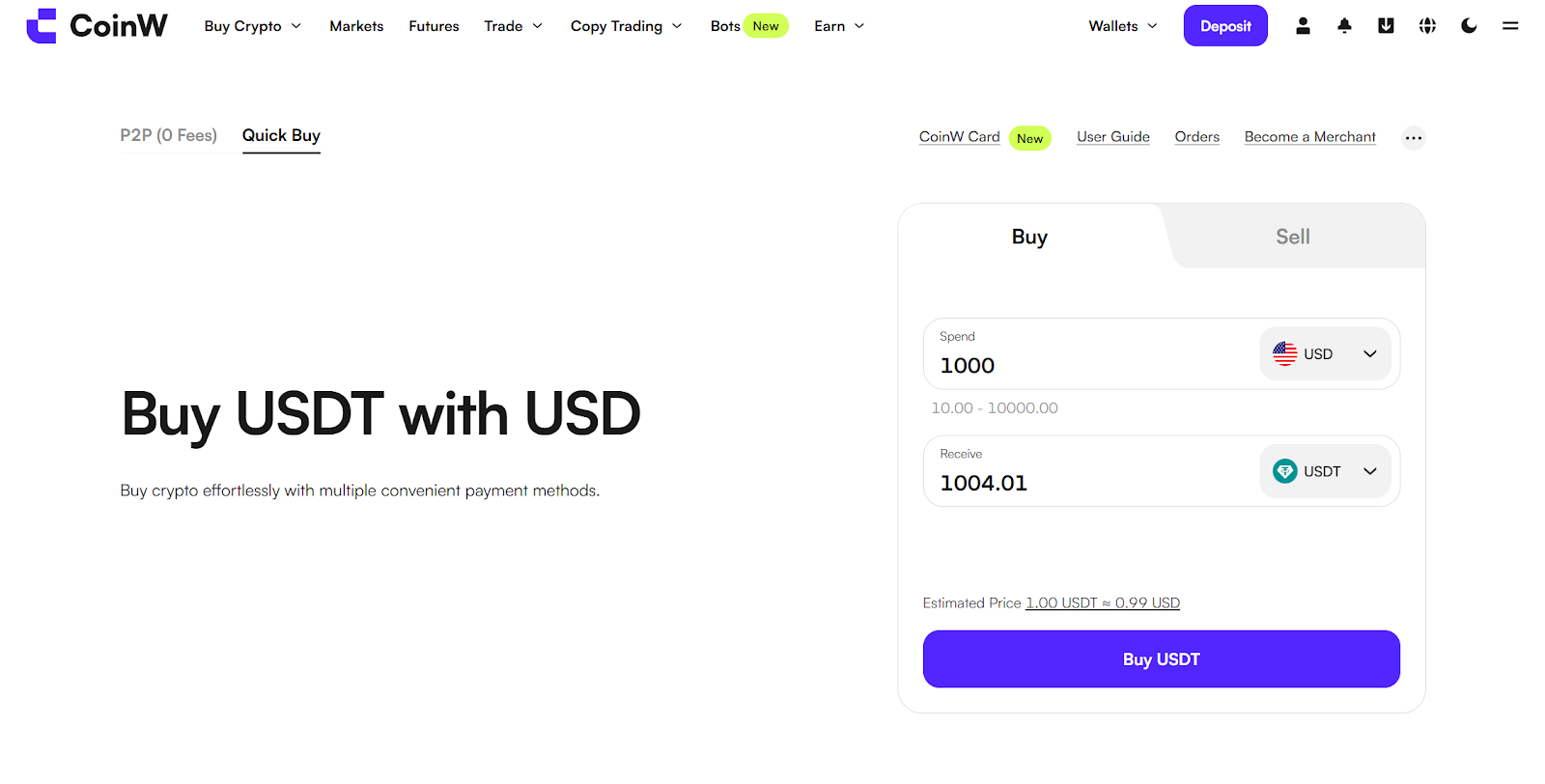
#2 Here, you can choose to buy or sell cryptocurrencies
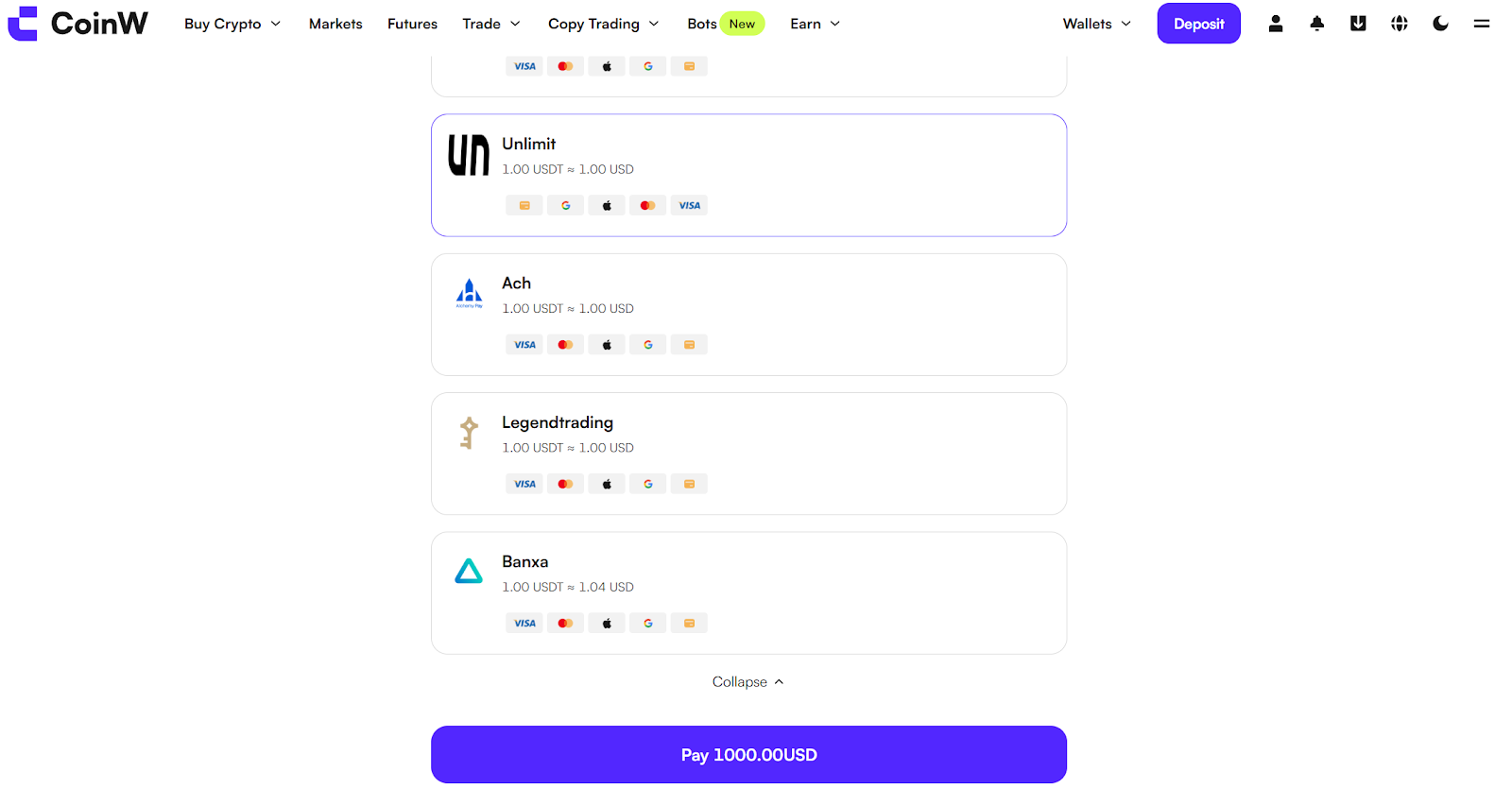
#3 Select a third-party and click Pay
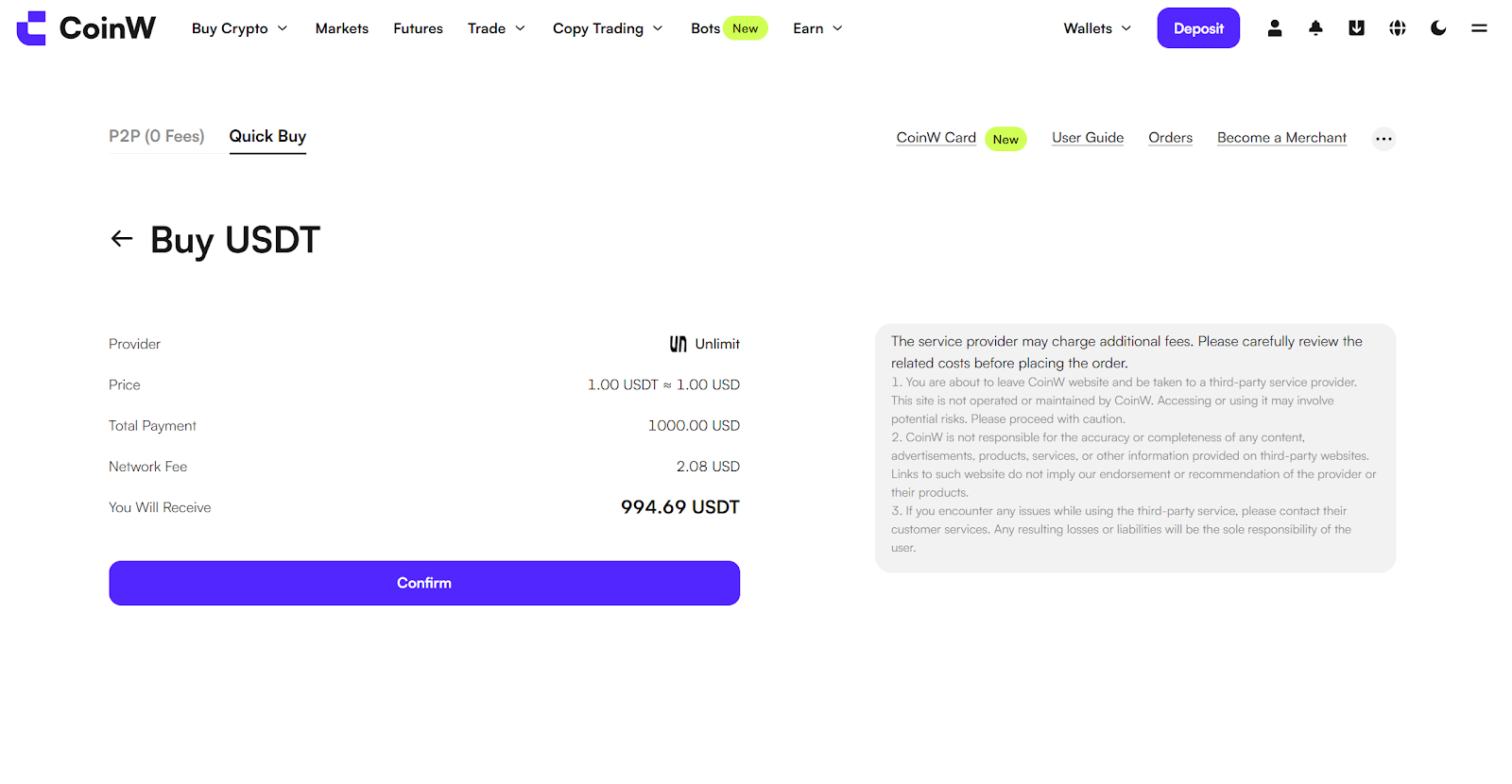
#4 On the order details page, click Confirm
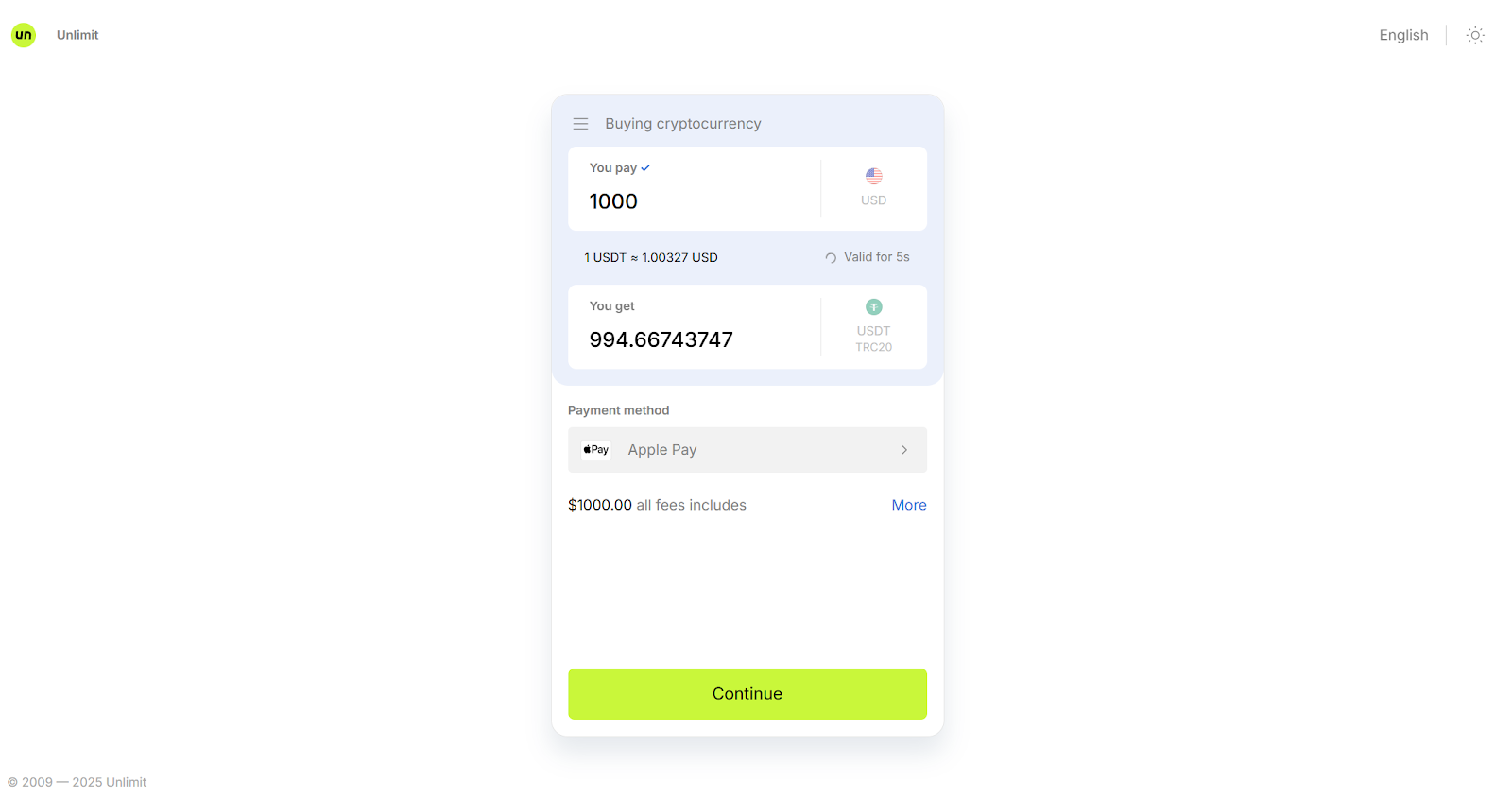
#5 You will then be redirected to a third-party platform, using Unlimit as an example
Here, you can change the payment method if needed
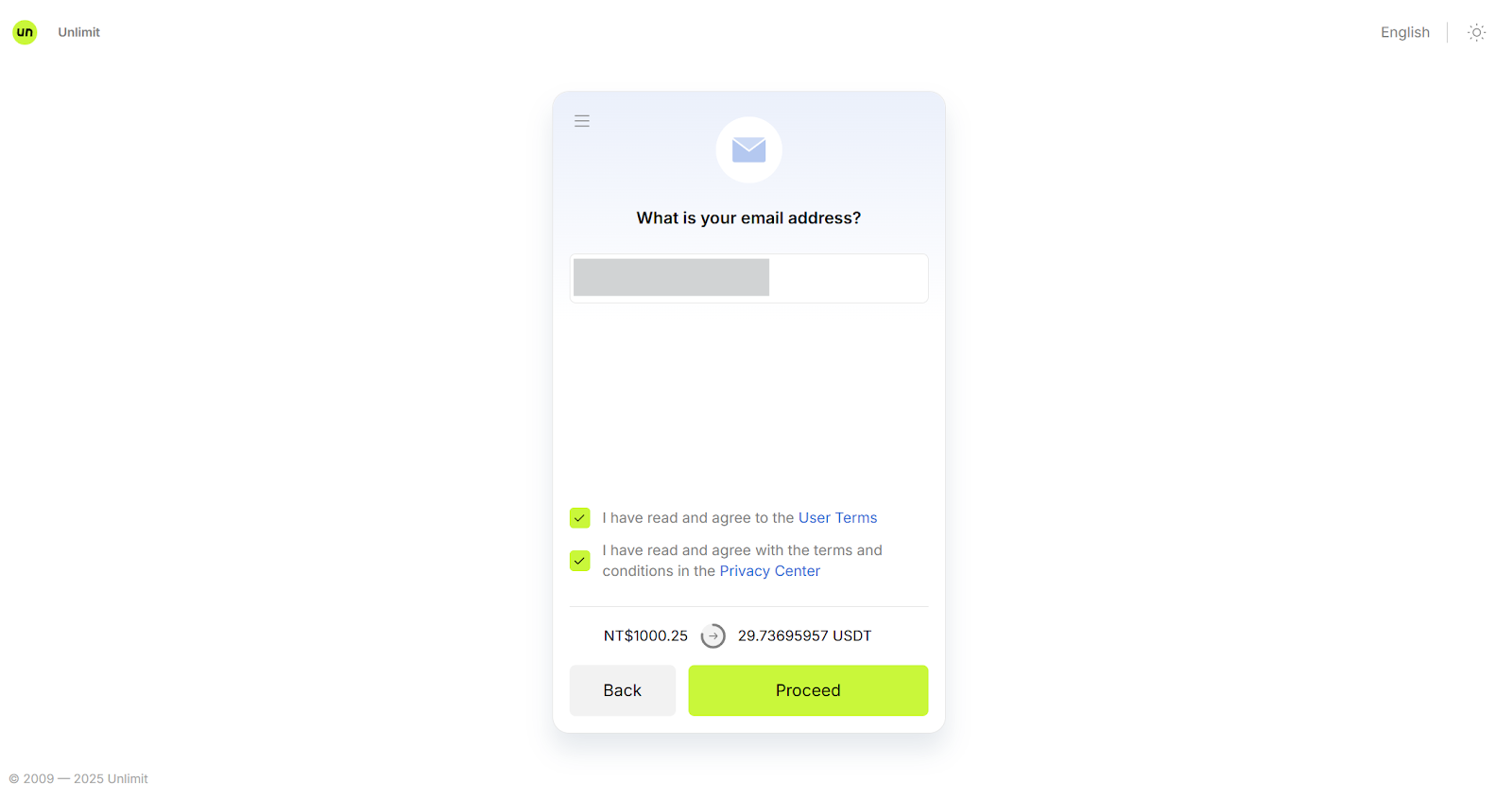
#6 Next, follow the prompts to confirm your email and other basic information
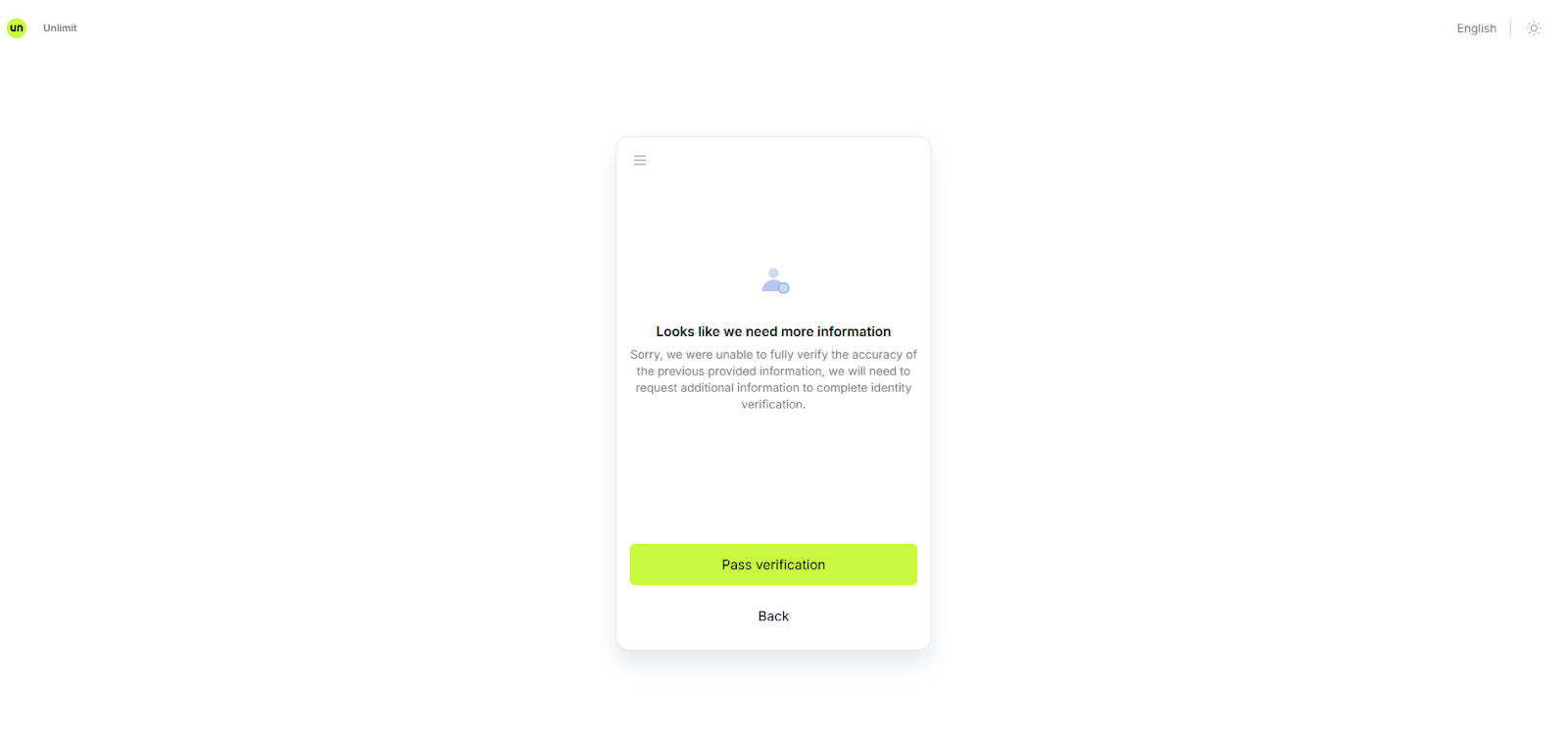
7# Complete the KYC verification
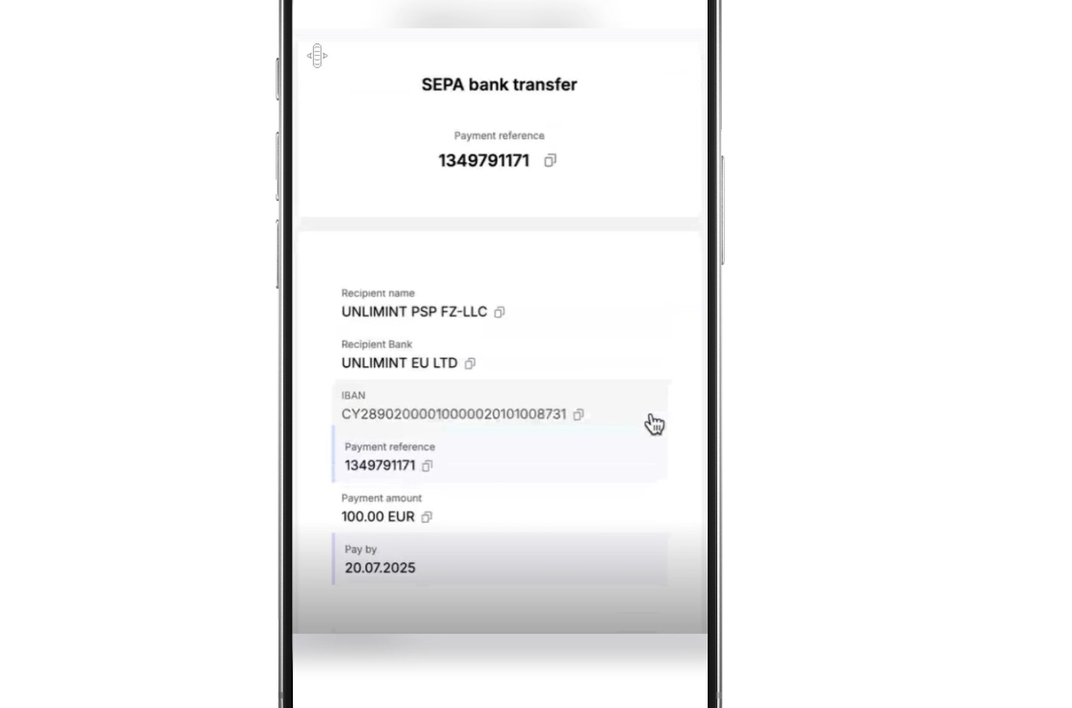
#8 Follow the instructions to complete the payment
9# After the payment is completed, you can check the order status in Orders Tab
In most cases, you will receive the purchased crypto assets on the same day.
#1 Go to Buy Crypto, Quick Buy
#2 Here, you can choose to buy or sell cryptocurrencies
#3 Select a third-party and click Pay
#4 On the order details page, click Confirm
#5 You will then be redirected to a third-party platform, using Unlimit as an example
Here, you can change the payment method if needed
#6 Next, follow the prompts to confirm your email and other basic information
7# Complete the KYC verification
#8 Follow the instructions to complete the payment
9# After the payment is completed, you can check the order status in Orders Tab
In most cases, you will receive the purchased crypto assets on the same day.