FAQ
1. How to Apply to Become a Copy Trader
To apply, go to: Copy Trading → Futures Copy Trading → Apply to Become a Copy Trader. Your application will be reviewed within 1–3 business days.
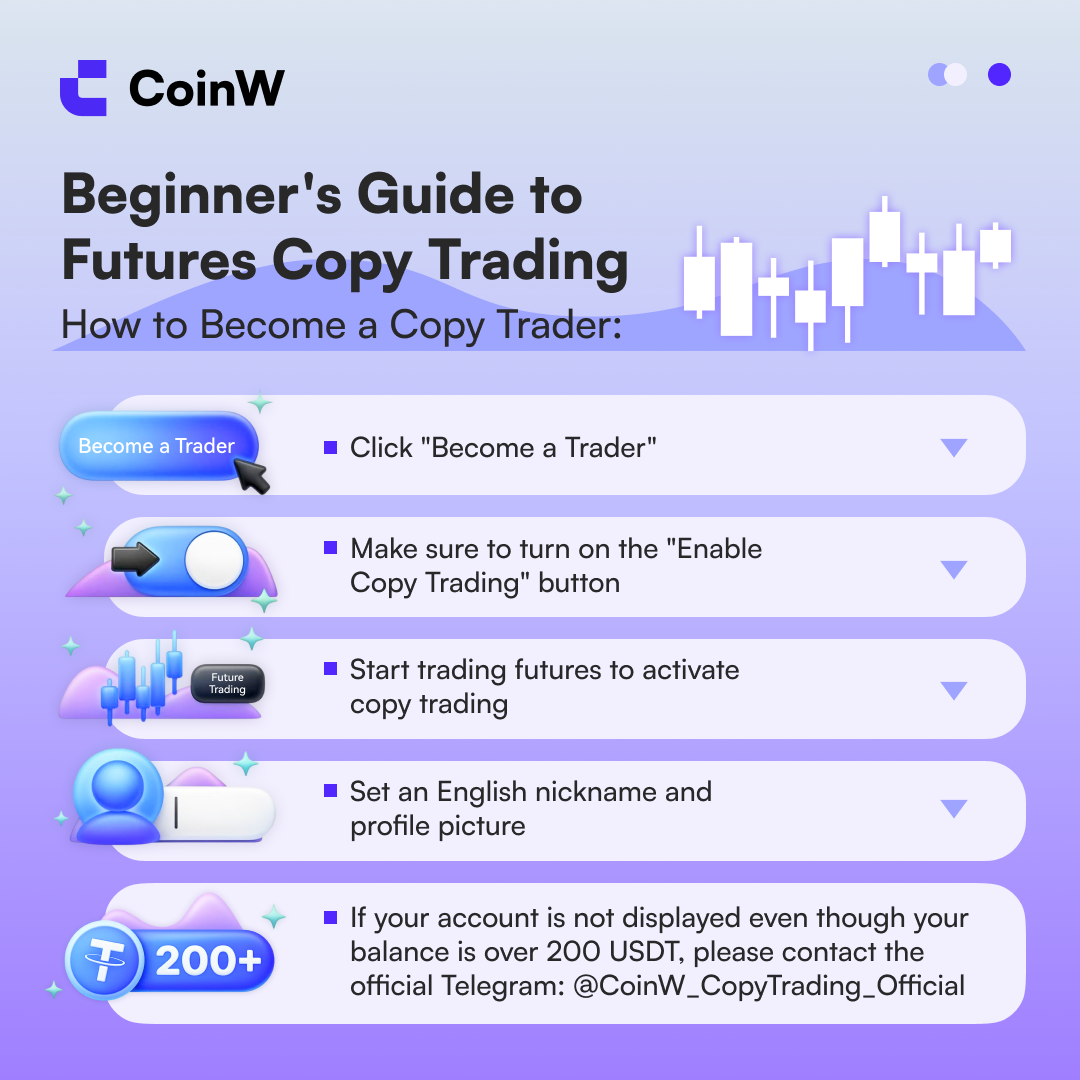
2. Important Copy Trading Settings You Must Know
(1) Enable Copy Trading
Required: Make sure the "Enable Copy Trading" option is turned on in your settings.
Otherwise, your profile will not be visible in the Copy Trading Hub.
To enable, go to "My Copy Trading" → "Copy Settings" → Turn on "Enable Copy Trading".
For more details, please refer to the full documentation: “Copy Trading Settings Guide.”
(2) Set an English Nickname and Profile Picture
We recommend setting an English nickname and updating your profile picture.
An English nickname helps users from other regions find you more easily, while a professional profile picture boosts your credibility and increases your chance of receiving platform traffic support.
To set nickname, go to "My Copy Trading" → "Copy Settings" → "Set Nickname"
To set profile picture, go to "Account Overview" → Change Profile Picture
3. How to Start Your First Copy Trade
Once you've enabled "Lead Trading" and your profile appears in the Copy Trading Hub, simply execute any futures trade to activate your copy trading status.
Currently, API trading is supported for copy trading. However, high-frequency trading is not recommended, as followers may not be able to keep up. If such issues occur, please contact the official team via Telegram: https://t.me/helloworld45789
4. Reasons Your Copy Trader Account Might Be Hidden
Your account will be hidden if any of the following conditions occur:
Account equity falls below 200 USDT
You manually cancel your copy trader status
"Lead Trading" is turned off
No trades in the past 30 days
Any account violation resulting in risk control restrictions
1. How to Apply to Become a Copy Trader
To apply, go to: Copy Trading → Futures Copy Trading → Apply to Become a Copy Trader. Your application will be reviewed within 1–3 business days.
2. Important Copy Trading Settings You Must Know
(1) Enable Copy Trading
Required: Make sure the "Enable Copy Trading" option is turned on in your settings.
Otherwise, your profile will not be visible in the Copy Trading Hub.
To enable, go to "My Copy Trading" → "Copy Settings" → Turn on "Enable Copy Trading".
For more details, please refer to the full documentation: “Copy Trading Settings Guide.”
(2) Set an English Nickname and Profile Picture
We recommend setting an English nickname and updating your profile picture.
An English nickname helps users from other regions find you more easily, while a professional profile picture boosts your credibility and increases your chance of receiving platform traffic support.
To set nickname, go to "My Copy Trading" → "Copy Settings" → "Set Nickname"
To set profile picture, go to "Account Overview" → Change Profile Picture
3. How to Start Your First Copy Trade
Once you've enabled "Lead Trading" and your profile appears in the Copy Trading Hub, simply execute any futures trade to activate your copy trading status.
Currently, API trading is supported for copy trading. However, high-frequency trading is not recommended, as followers may not be able to keep up. If such issues occur, please contact the official team via Telegram: https://t.me/helloworld45789
4. Reasons Your Copy Trader Account Might Be Hidden
Your account will be hidden if any of the following conditions occur:
Account equity falls below 200 USDT
You manually cancel your copy trader status
"Lead Trading" is turned off
No trades in the past 30 days
Any account violation resulting in risk control restrictions