FAQ
(1) Log in to your CoinW account:Go to https://www.coinw.com/
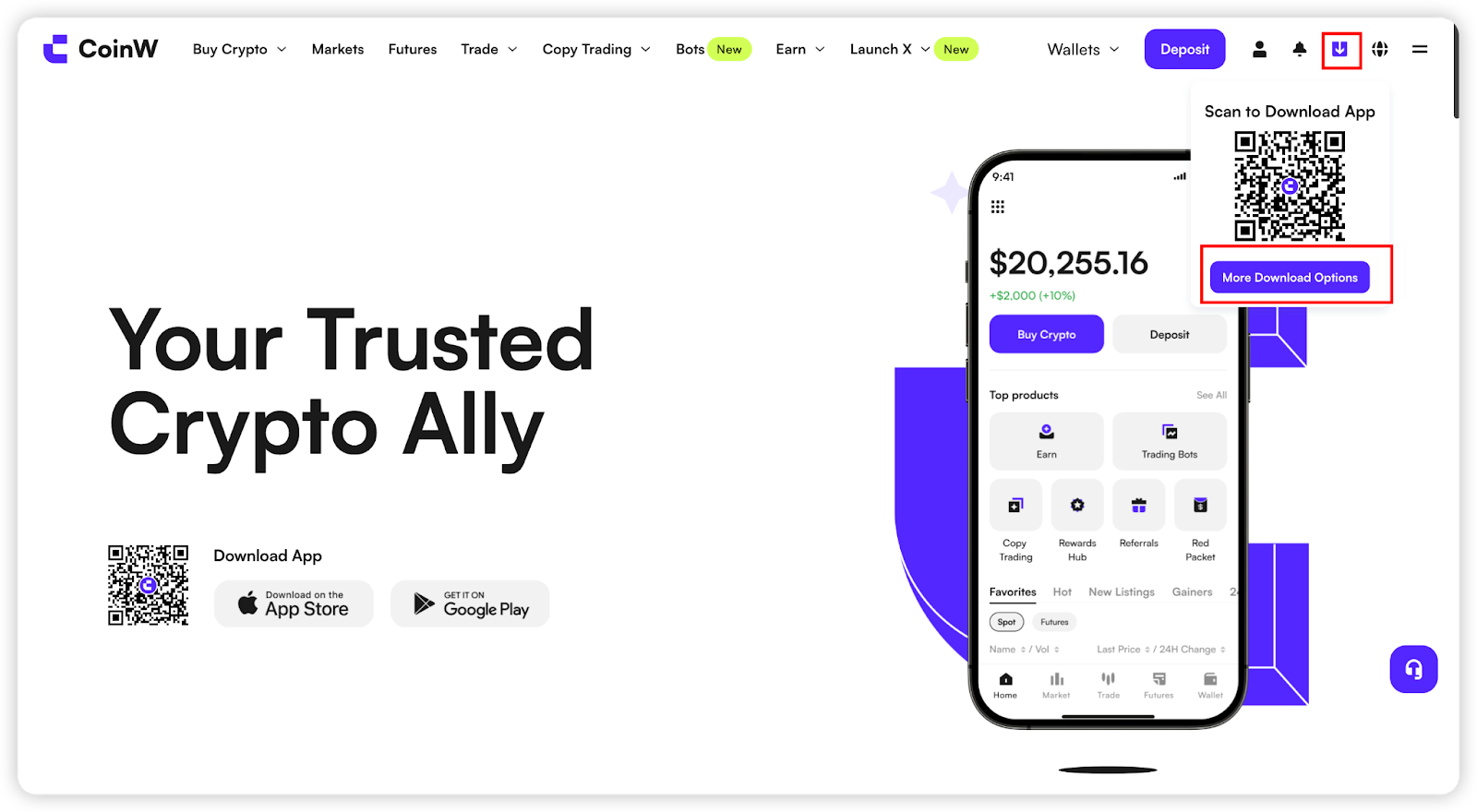
Hover your mouse over the download icon in the top-right corner, then click “More Download Options” to enter the download page. Select the appropriate version for your system and click to download (using Mac as an example).

(2) After the download is complete, click the browser’s “Show Downloads” icon in the top-right corner to find the downloaded file, then double-click to open it.
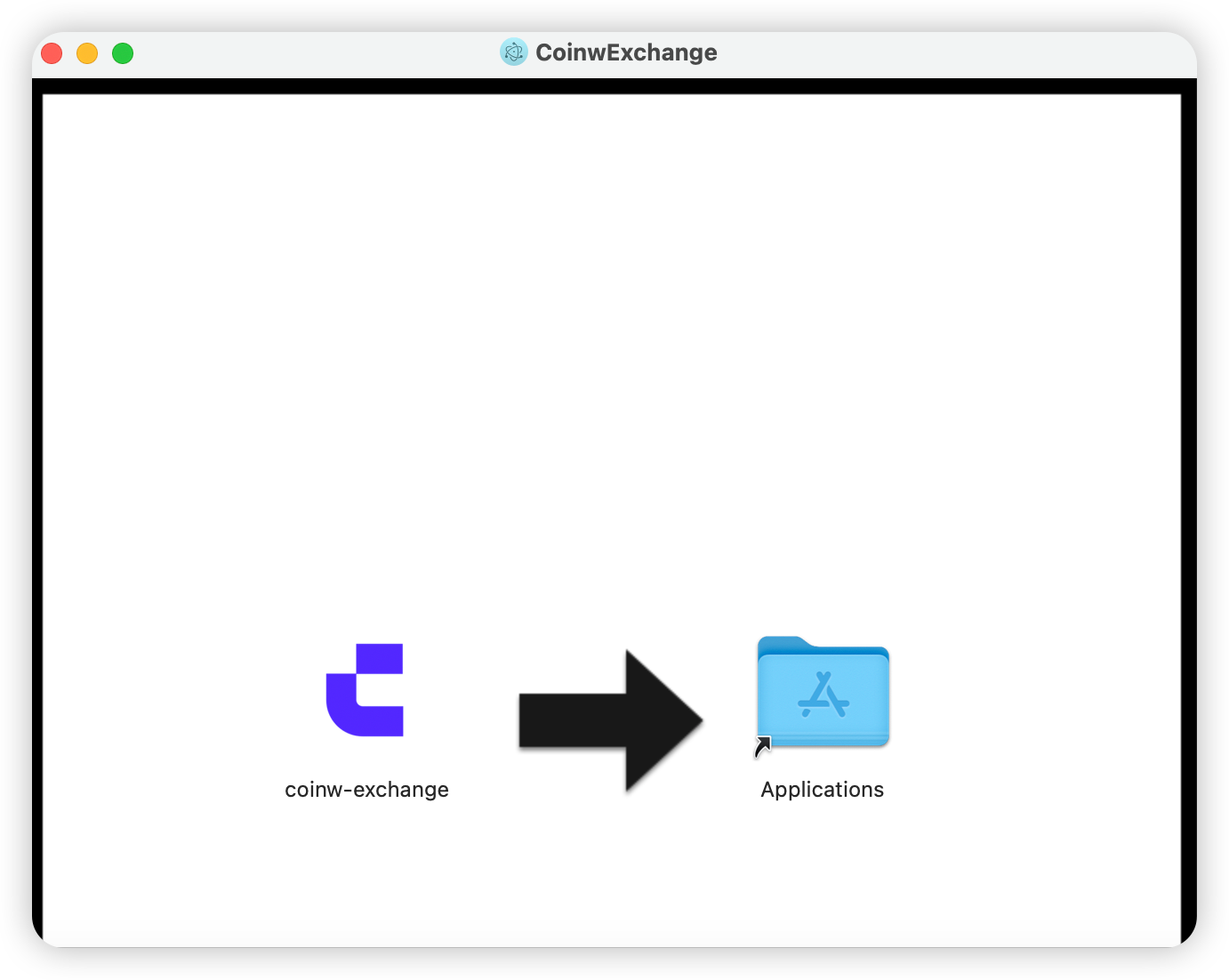
(3) Once the installer window opens, drag the CoinW icon into the Applications folder.
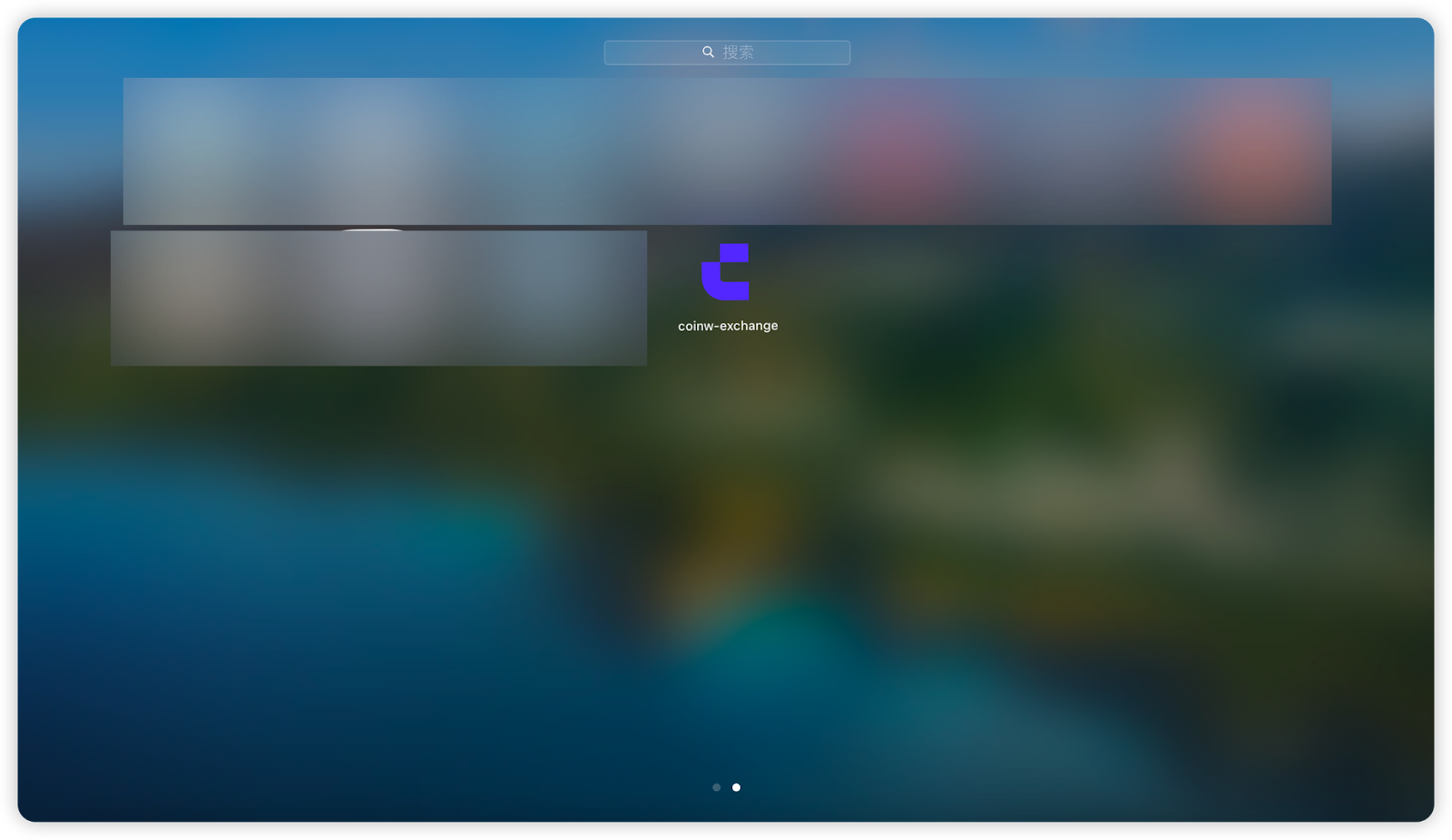
After installation, you can find the CoinW PC version in your Launchpad
Note: For Windows, simply download the installer to your desktop and run it directly.
(1) Log in to your CoinW account:Go to https://www.coinw.com/
Hover your mouse over the download icon in the top-right corner, then click “More Download Options” to enter the download page. Select the appropriate version for your system and click to download (using Mac as an example).
(2) After the download is complete, click the browser’s “Show Downloads” icon in the top-right corner to find the downloaded file, then double-click to open it.
(3) Once the installer window opens, drag the CoinW icon into the Applications folder.
After installation, you can find the CoinW PC version in your Launchpad
Note: For Windows, simply download the installer to your desktop and run it directly.